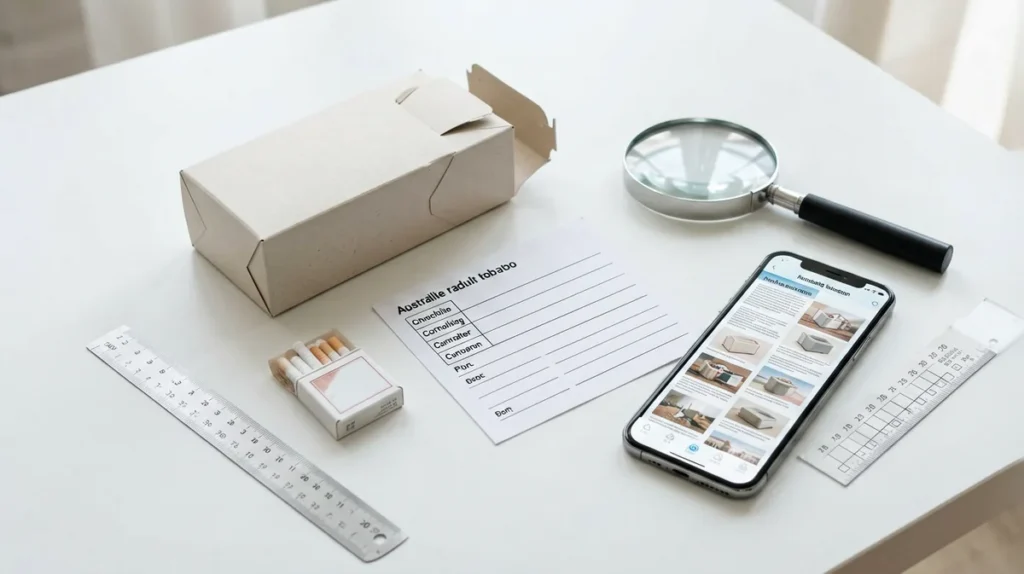
When a cigarette carton listing looks similar to another record, check the record details before contacting Gexlora. The fastest comparison uses the product name, carton format, pack count, SKU, category and current listing status. This helps adults in Australia describe the exact record they are asking about without relying on a screenshot alone.
Start with the exact product name
Read the complete product title rather than matching only the brand word. The catalogue includes records such as Marlboro Hard White US Edition, Manchester Double Drive Blueberry Mint, and separate Double Happiness Soft and Soft Real records. A qualifier such as format, edition or variant can identify a different record.
Confirm the carton and pack format
Check that the page describes one carton and the stated number of packs. Several Gexlora catalogue records use a 1-carton, 10-pack format, but the format should still be confirmed on the individual product page. Do not assume that similar names represent interchangeable products.
Record the SKU
Copy the SKU exactly, including letters, hyphens and numbers. For example, the live catalogue records show SKU SS-313 for Marlboro Hard White US Edition, SS-1779 for Manchester Double Drive Blueberry Mint, SS-1059 for Double Happiness Soft Real, and SS-1049 for Double Happiness Soft. The SKU is the most useful identifier when two names appear close together.
For a step-by-step SKU lookup, use Gexlora’s exact cigarette carton SKU guide. Compare its result with the product title and image before sending a question.
Check the category and live page
Use the brand category as a second check, then open the direct product URL. The category can help separate records, while the direct page is the right place to confirm the current title, image and catalogue details. If a listing does not load, use the Gexlora contact page and include the product name, SKU and the issue you found.
What to include in your message
- Product name exactly as displayed
- SKU, if shown
- Carton and pack format
- Direct product URL
- A short description of the mismatch or question
Gexlora’s catalogue is intended for adults aged 18 and over. This checklist is an identification and record-verification aid; it does not make health claims, guarantee availability or replace confirmation of current ordering conditions. Recheck the live page immediately before contacting support.
Quick checklist
Name, variant, format, pack count, SKU, category and direct URL. Matching all seven fields gives support a clear record to investigate and reduces confusion between similar catalogue entries.